
How to Check Criminal History in Petaluma
The Petaluma Police Department is the local starting point. Its page links online reporting, the crime map, arrest logs, police forms, and transparency material. Existing police reports and broad Public Records Act requests then split into different routes. Sonoma County jail and court systems take over when a Petaluma event becomes a booking or filed case. No one screen is a complete rap sheet, so the record type must match the question.
- Use Petaluma Police links for a city report, arrest log, or online incident filing.
- Send broad city-record requests through the City Clerk's NextRequest portal.
- Check Sonoma Sheriff current custody after a Petaluma booking.
- Search Sonoma Superior Court Odyssey after the District Attorney files a case.
- Use California DOJ fingerprint record review for your own statewide summary.
A submitted Petaluma online report is not instantly an accepted police report. A Records Technician reviews it and may contact the filer. A blank jail result also does not prove that no arrest or court case exists, because current custody ends when a person is released.
Petaluma Police Records Hub
Petaluma Police presents several tools from one department page. The listed non-emergency line is 707-778-4372. Links lead to online police reporting, arrest logs, a crime map, forms, and the transparency portal. Each answers a different question. Arrest logs document local police activity. A crime map gives place-based context, not a person's criminal history. Online reporting starts a new report for an eligible event rather than retrieving an old file.
The official department source shows these entry points.

The captured Petaluma page helps a reader choose a local tool before moving to county booking or court records.
The Petaluma Police Department
Petaluma Police creates incident and arrest reports for events handled by its officers. The city's Reports and Records material warns that some police and fire reports remain confidential. A public-record request does not override privacy, investigation, juvenile, or victim protections. Staff must locate the file, review its status, and decide what can be disclosed or redacted. Giving a date, location, report number, and clear description can help the department identify the right Petaluma record.
Petaluma separates a request for an existing police report from filing a new incident online. It also separates police files from broad city records managed through the City Clerk. That structure matters because an online incident submission is reviewed later, while NextRequest is a document-request and communication system. Neither replaces the Sonoma Superior Court portal for a filed criminal case.
Petaluma NextRequest Records
Petaluma routes Public Records Act requests through the City Clerk and official NextRequest system. The portal helps a requester describe documents and communicate with the department holding them. It is useful for general city business and public material, but it does not turn a confidential police report into an open file. The city's own record remains with the responsible department.
The Petaluma NextRequest portal is the official request destination.
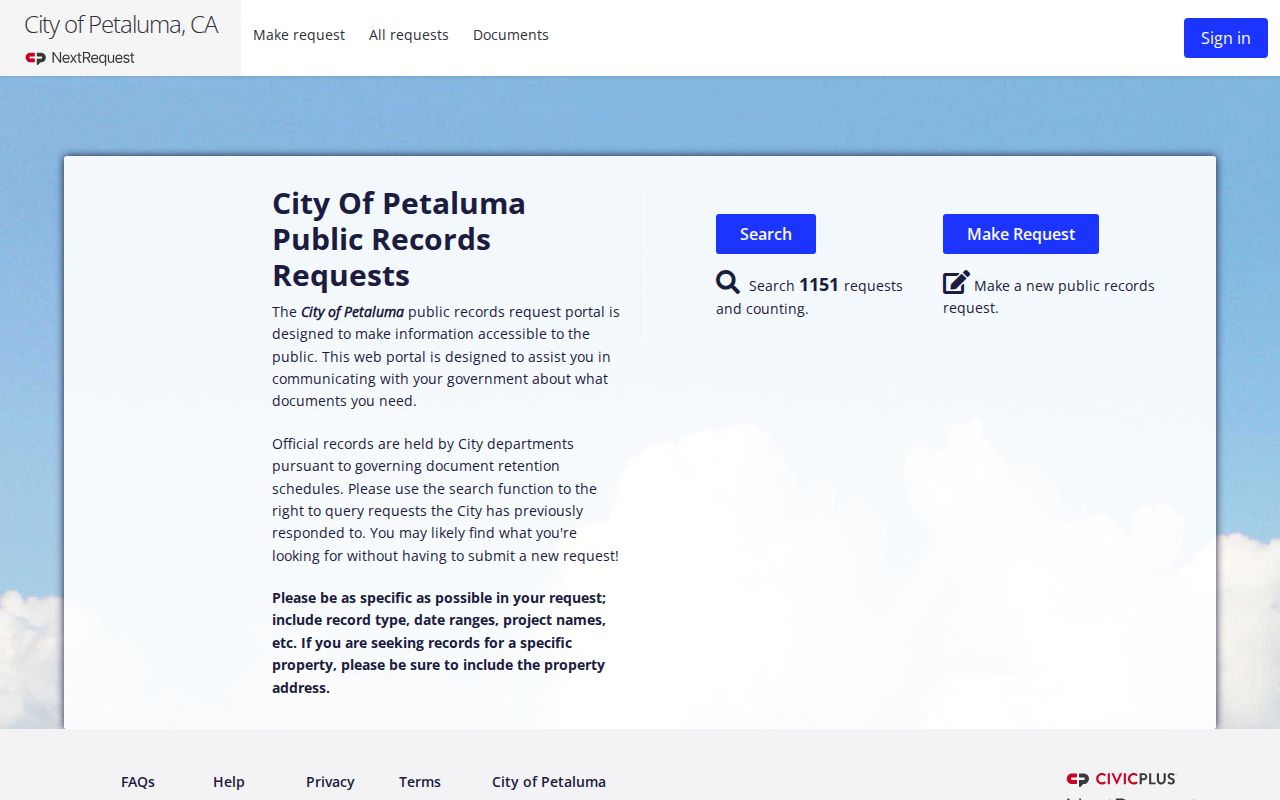
The portal image shows Petaluma's city document channel, which is distinct from incident filing, current-custody search, and criminal court lookup.
Arrests and Bookings in Petaluma
Petaluma Police may make the arrest, but Sonoma County jail staff create the custody record after booking. Petaluma arrest logs document city police activity. The Sheriff's jail search answers the narrower question of whether a person booked into county custody is still held at the time of search. It accepts a last name or booking number and should not be read as a full historic arrest database.
After release, a person can disappear from the jail result while the Petaluma police report and a court case remain. If the District Attorney files charges, Odyssey becomes the best source for hearings and disposition. Charges recorded at booking are preliminary and may differ from the charges prosecutors file or the outcome entered by the court.
Petaluma Online Police Reporting
Police-to-Citizen lets a person submit an eligible incident online. Petaluma states that a Records Technician reviews each submission and may contact the requester. Submission is therefore the start of review, not proof that the department accepted each statement or created a final criminal record. Emergency events and matters outside the portal's criteria require another police channel.
The Petaluma Police-to-Citizen portal provides that official reporting route.
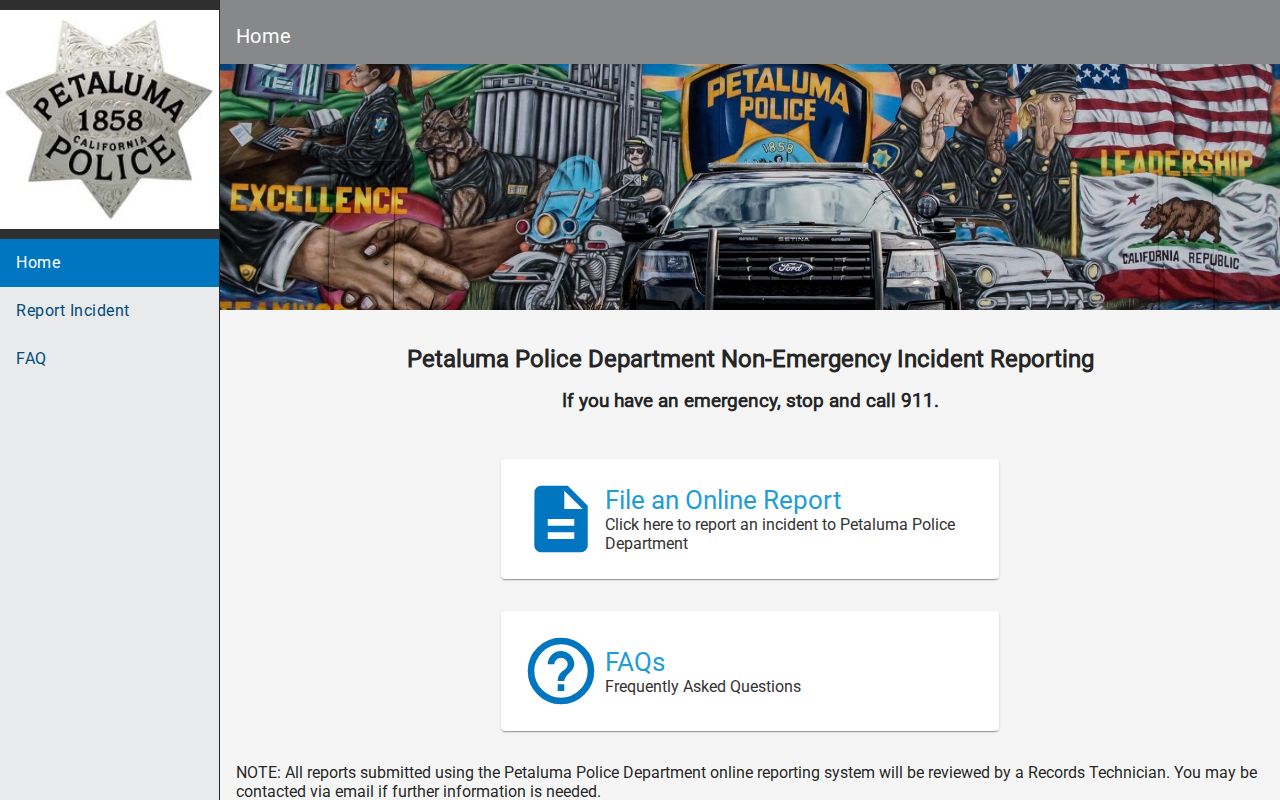
The captured portal supports a key Petaluma distinction: filing an incident, requesting an existing report, and finding a court case are separate tasks.
Petaluma Municipal Court Records
Petaluma once had local Police Court records, and Sonoma County Archives holds Petaluma Police Court material from 1912 through 1952. Modern criminal cases no longer use a separate Petaluma municipal court. Felonies, misdemeanors, traffic matters, and other trial cases go to the Superior Court of California, County of Sonoma. Odyssey is the current online channel, with the Criminal Division and CR-01 form as counter and mail fallbacks.
| Court Name | Superior Court of California, County of Sonoma |
|---|---|
| Case Types Heard | Modern felonies, misdemeanors, traffic, and related matters |
| Case Lookup Channel | Odyssey portal, Criminal Division, or CR-01 request |
| What the Docket Shows | Charges, hearings, pleas, orders, disposition, and sentence when public |
| Copies & Fees | Court search, copy, and certification fees may apply |
Where Petaluma Records End Up
Petaluma Police assigns a report number and prepares the local file. County jail creates a booking record if the person enters custody. The Sonoma County District Attorney reviews the police submission and decides whether to file charges. Superior Court then creates the case docket. Fingerprint-linked arrest events and reported dispositions may later flow to California DOJ's statewide summary repository.
Record flow: Petaluma PD › Sonoma County Courts › California Department of Justice
The Petaluma police report number can help an eligible victim or witness use the District Attorney lookup after prosecution begins. Search the city source for the earliest report, the jail for current custody, and the court for the official result. Updates do not reach all three systems at the same time.
Petaluma Case Number Trail
A Petaluma police report number identifies the city investigation. It is not necessarily the same as the District Attorney number or Superior Court case number. Once prosecutors accept a matter, an eligible victim or witness with a police report, DA, or court case number may use the DA lookup for case and hearing information. The public court portal serves the broader docket search.
This trail explains why a search can fail when the right number is entered in the wrong field. Preserve every number shown on Petaluma correspondence and label its source. That small step makes it easier to move from the city report into the county case without assuming all agencies share one identifier.
Petaluma Crime Map Limits
The Petaluma crime map supplies context by place and incident category. It does not provide a person's full criminal history, prove an arrest, or show a court disposition. Map entries can also omit protected detail. Use the map to understand area patterns, then choose the arrest log, report request, jail search, or court docket for the actual record question.
The distinction matters in historical research. A map point can suggest where and when an event occurred, but only the record custodian can release an eligible report or certified case copy. Crime-map data should never substitute for the final Sonoma Superior Court disposition.
Petaluma Criminal Record History
Historical research calls for a different Petaluma channel than a modern case search. Sonoma County Archives identifies Petaluma Police Court records covering 1912 through 1952. Those old local files explain why the phrase “Petaluma municipal court” can still surface even though current criminal matters now belong to Sonoma Superior Court. An archive collection may preserve ledgers or case material that never appears in Odyssey.
Begin an older inquiry with the approximate year, the person's full name as used then, and any known charge or address. For a modern Petaluma matter, use the city report channel and county court instead. Keeping the historical and current systems apart prevents an old court name from sending a present-day request to the wrong office. It also preserves the city-level story without implying that Petaluma still runs a separate criminal trial court.
Note: Archive holdings document past local courts; they do not replace certified copies from the court that handles a current case.
Public Access Rules for Petaluma Records
The California Public Records Act governs Petaluma city requests, but police and fire reports can remain confidential. Active investigations, victim data, juvenile information, and private identifiers may be withheld or redacted. Superior Court files follow court rules. California DOJ summary history is restricted and is not a public name search.
Key Statutes:
California Public Records Act - Petaluma processes requests subject to lawful exemptions.
Penal Code § 13300 - Local summary criminal history has restricted dissemination.
California Rule of Court 2.503 - Remote criminal court access may be limited.
Describe the Petaluma record narrowly and include a date, place, or case number when known. If the whole report is restricted, ask whether the city can release a redacted portion. Use Superior Court for certified court records and California DOJ Live Scan to review your own statewide summary.